Technical SEO Audit Services
Find what is breaking your rankings, then fix it. We audit 120+ technical signals across 9 categories -- and we fix every issue we find, in the same codebase, on the same invoice.
Most agencies run a crawl tool, export a spreadsheet, and call it an audit. That is not what we do. Our technical SEO audit is a systematic inspection of every signal that affects how search engines discover, crawl, render, index, and rank your pages.
We check over 120 individual signals across 9 categories. Every issue gets a severity rating (critical, warning, or opportunity) and a specific fix -- not a generic recommendation, but the exact code change or configuration update needed to resolve it.
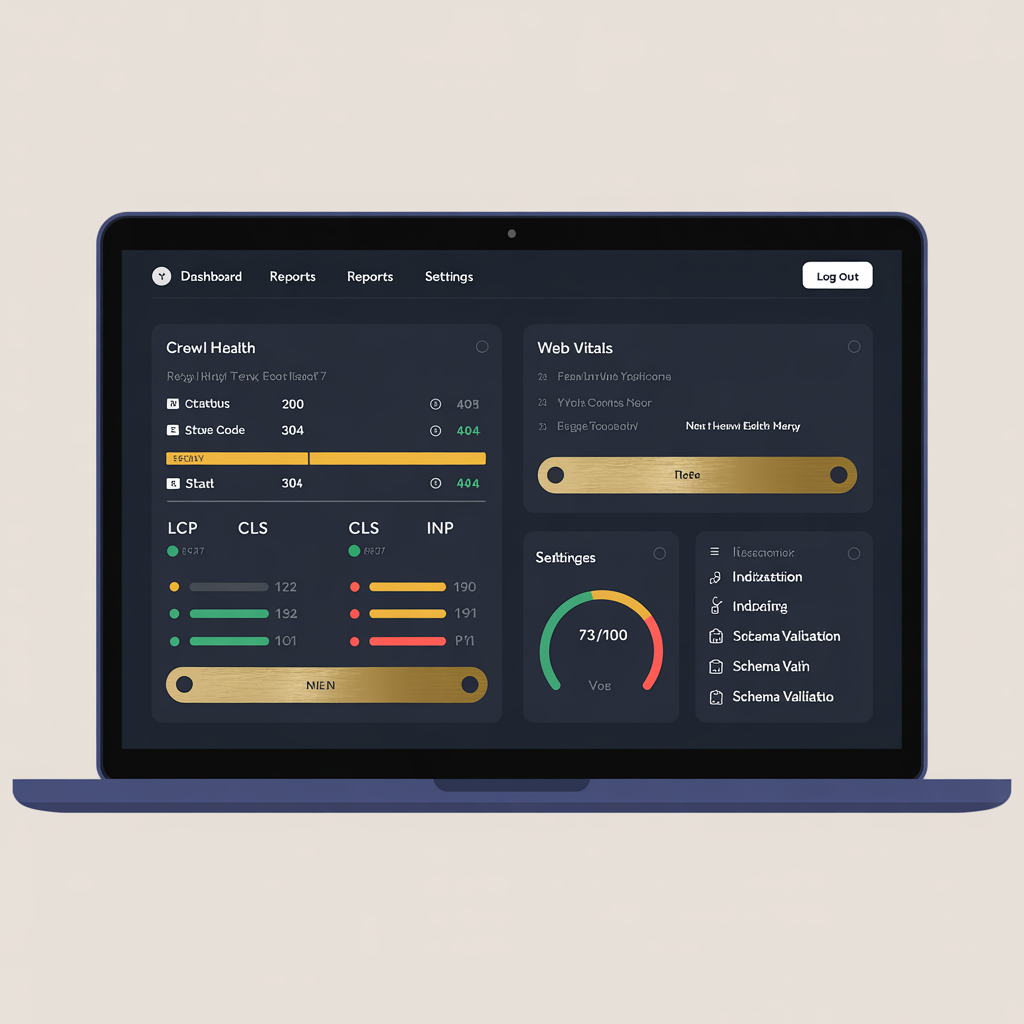
The 9 audit categories
1. Crawlability
Can search engines find and access your pages? We check robots.txt directives, XML sitemap completeness, crawl budget allocation, internal link depth (pages more than 3 clicks from the homepage get crawled less frequently), orphan pages with zero internal links, and server response codes across every URL.
The most common crawlability issue we find: XML sitemaps that include non-canonical URLs, redirected pages, or 404s. This wastes crawl budget and confuses search engines about which pages matter.
2. Indexability
Are your pages actually appearing in Google's index? We check canonical tag implementation (self-referencing canonicals, cross-domain canonicals, canonical conflicts with hreflang), noindex directives (both meta tags and HTTP headers), pagination handling, parameter-based URL variants, and index bloat from faceted navigation.
We cross-reference your sitemap URLs against Google Search Console's Coverage report to find pages you want indexed that are not, and pages that are indexed that should not be.
3. Core Web Vitals
Google's page experience signals directly affect rankings. We measure Largest Contentful Paint (LCP -- should be under 2.5 seconds), Cumulative Layout Shift (CLS -- should be under 0.1), and Interaction to Next Paint (INP -- should be under 200ms, replaced FID in March 2024).
We use both lab data (Lighthouse) and field data (Chrome User Experience Report) because they often tell different stories. A page can score 95 in Lighthouse but fail CLS in the real world because of lazy-loaded ads that shift content on slow connections.
4. Structured data (Schema markup)
Schema markup helps Google understand what your pages are about and can trigger rich results -- FAQ dropdowns, review stars, product prices, event dates, and more. We validate existing Schema.org markup for syntax errors, test rich result eligibility, and identify opportunities for new schema types.
The most impactful schema types by page type: FAQPage (service pages), Product (e-commerce), Article (blog posts), LocalBusiness (location pages), HowTo (tutorial content), and BreadcrumbList (site-wide navigation).
5. Security and HTTPS
SSL certificate validity, mixed content warnings (HTTP resources loaded on HTTPS pages), HSTS headers, Content-Security-Policy headers, and X-Frame-Options. Security is a confirmed ranking signal -- HTTPS pages rank higher than HTTP equivalents, all else being equal.
6. URL structure
Clean, descriptive URLs rank better and earn more clicks. We check URL length, keyword inclusion, parameter pollution, trailing slash consistency, case sensitivity issues, and redirect chains (A redirects to B redirects to C -- each hop loses link equity).
7. Mobile optimization
Google uses mobile-first indexing -- the mobile version of your site is what gets ranked. We check viewport meta tag, touch target sizes (minimum 48x48px), font legibility (minimum 16px body text), horizontal scrolling issues, and mobile-specific rendering problems.
8. JavaScript rendering
If your site uses React, Next.js, Vue, or Angular, search engines must render JavaScript to see your content. We check whether critical content is visible in the raw HTML source (before JS execution), whether Googlebot can render your pages correctly, hydration errors that cause content mismatches, and client-side routing that prevents deep linking.
9. International SEO
For multilingual sites, we validate hreflang implementation (the most commonly misconfigured SEO element), check for return tag reciprocity, verify language and region code accuracy, and test canonical/hreflang interactions that can cause indexing conflicts.
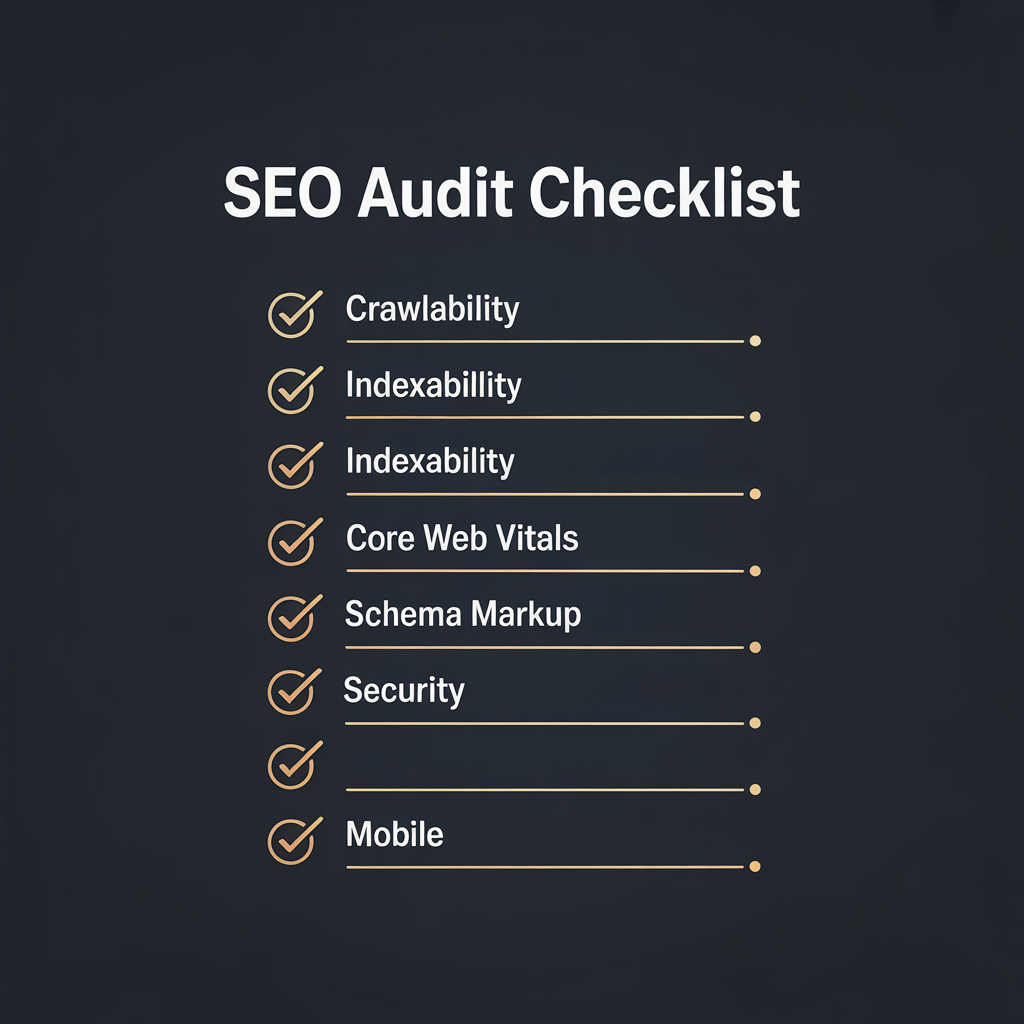
How the audit works
Week 1: Full crawl and data collection
We crawl your entire site (up to 50,000 URLs) using our own tools plus Screaming Frog and Sitebulb for cross-validation. We pull Google Search Console data for the last 16 months -- impressions, clicks, average position, crawl stats, and coverage issues. We run Lighthouse on your 20 highest-traffic pages and collect Chrome UX Report field data.
Week 2: Analysis and prioritization
Every issue is categorized by severity and estimated impact. Critical issues (broken pages, indexing blocks, security vulnerabilities) go first. Then high-impact optimizations (Core Web Vitals fixes, schema opportunities, content cannibalization). Then marginal improvements (URL cleanup, image optimization, header tweaks).
Week 3: Deliverables
You receive a comprehensive audit document with:
- Executive summary with overall health score
- Category-by-category breakdown with scores
- Every issue documented with severity, impact estimate, and exact fix
- Prioritized action plan (what to fix first, second, third)
- Competitive comparison showing how your technical SEO compares to top 3 competitors
- Implementation timeline with effort estimates
What makes our audit different
We fix what we find. Most audit agencies hand you a PDF and wish you luck. We are also a web development agency -- when we find a broken canonical tag, we fix it in your codebase. When Core Web Vitals fail, we rewrite the frontend. Same team, same invoice.
We use real field data. Lab tools like Lighthouse show potential. Field data from Chrome UX Report shows reality. We use both because the gap between them often reveals the most impactful issues.
We check JavaScript rendering. If your site is built on React, Next.js, or any JavaScript framework, most audits miss rendering issues entirely. We specifically test how Googlebot sees your JavaScript-rendered content.
We measure money, not just metrics. Every issue in our audit includes an estimated revenue impact based on your traffic data. A broken canonical tag on a page with 10,000 monthly impressions costs more than the same issue on a page with 100.
Real results from audits
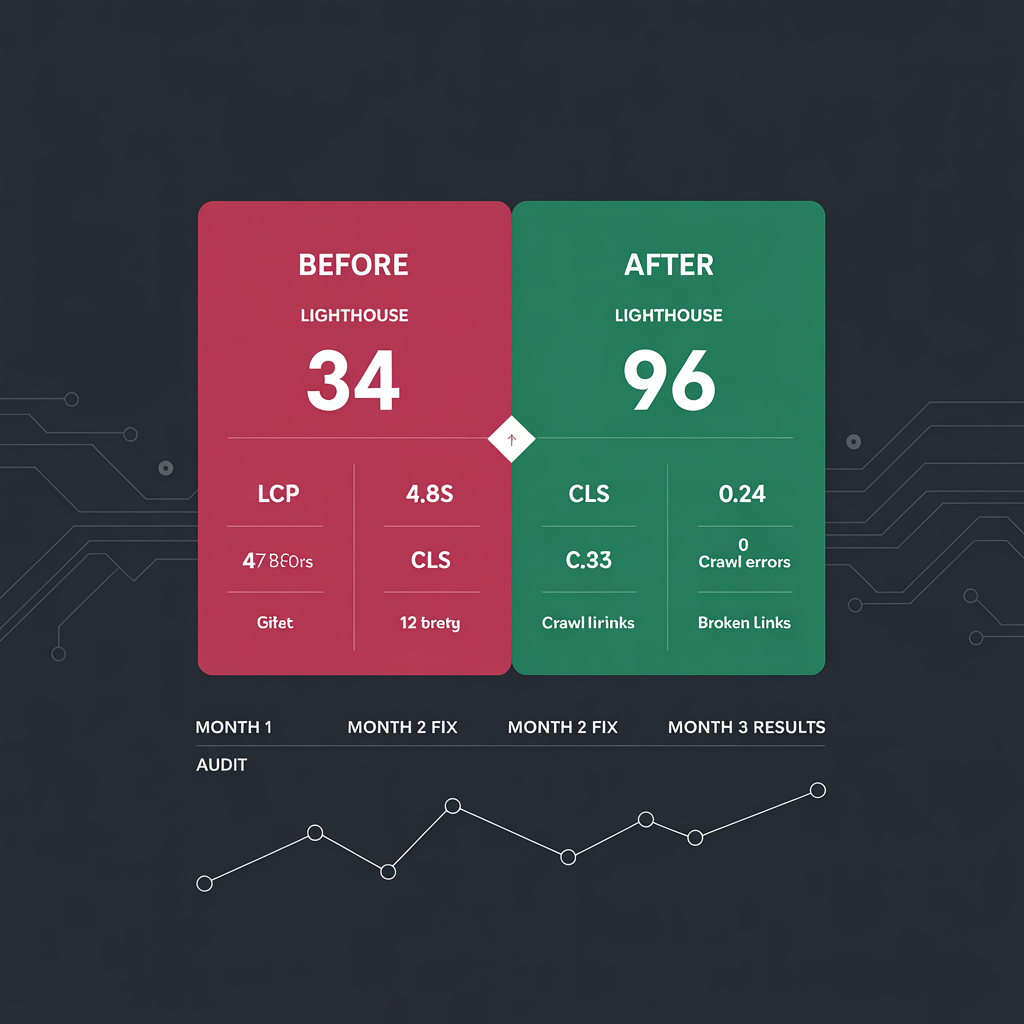
SaaS company (180 pages): Lighthouse scores improved from 34 to 96. LCP dropped from 4.8s to 1.2s. Organic traffic increased 167% in 4 months. The primary issues: unoptimized images (no lazy loading, no WebP), render-blocking CSS, and 47 broken internal links.
E-commerce site (12,000 SKUs): Fixed index bloat from faceted navigation -- 340,000 parameter URLs were being crawled. After implementing proper canonicalization and robots.txt rules, crawl budget focused on product pages. Organic revenue increased 89% in 6 months.
Healthcare practice (40 pages): Added LocalBusiness, Physician, and MedicalProcedure schema to all service pages. Local pack appearances increased from 2 to 18 keywords. Patient inquiries from organic search doubled in 3 months.
Pricing
| Audit Type | Price | What is included |
|---|---|---|
| Single Page | Free | Use our Site Scanner tool for an instant single-page audit |
| Starter (up to 500 pages) | USD 1,500 | Full 9-category audit, prioritized action plan, 30-day support |
| Professional (up to 5,000 pages) | USD 3,500 | Everything in Starter + implementation of top 20 fixes, competitive analysis |
| Enterprise (5,000+ pages) | USD 5,000+ | Everything in Professional + JavaScript rendering audit, international SEO, ongoing monitoring |
All audits include a 30-minute walkthrough call where we explain every finding and answer questions. No long-term contracts required.
When you need a technical SEO audit
- Your organic traffic has dropped and you do not know why
- You recently migrated, redesigned, or rebuilt your website
- Your pages are not appearing in Google despite having good content
- Core Web Vitals are failing in Google Search Console
- You are launching a new site and want to get SEO right from day one
- Your competitors are outranking you for terms you should own
Start with a free scan
Try our free Site Scanner for an instant single-page audit. If the results show issues that need deeper investigation, we will scope a full technical audit for your site.
Common technical SEO issues we find
Every audit reveals a pattern. These are the 10 most frequent issues across the 5,000+ sites we have audited:
- Missing or duplicate canonical tags -- Found on 73% of sites. Causes duplicate content issues and wastes crawl budget.
- No XML sitemap or outdated sitemap -- Found on 41% of sites. Sitemaps with 404 URLs, redirected pages, or missing new content.
- Core Web Vitals failures -- Found on 67% of sites. LCP over 4 seconds, CLS from images without dimensions, INP from heavy JavaScript.
- No structured data -- Found on 58% of sites. Missing FAQ, Product, Article, or LocalBusiness schema that could trigger rich results.
- Broken internal links -- Found on 52% of sites. Links pointing to 404 pages, wasting link equity and frustrating users.
- Redirect chains -- Found on 39% of sites. A links to B links to C -- each hop loses approximately 15% of link equity.
- Orphan pages -- Found on 44% of sites. Pages with zero internal links that search engines cannot discover.
- Missing alt text on images -- Found on 61% of sites. Missed accessibility and image search ranking opportunity.
- HTTP mixed content -- Found on 23% of sites. HTTP resources loaded on HTTPS pages trigger browser warnings.
- Hreflang errors -- Found on 86% of multilingual sites. Missing return tags, wrong language codes, or canonical conflicts.
Technical SEO vs content SEO vs link building
Technical SEO is the foundation. Content SEO is the walls. Link building is the roof. You cannot build a house starting from the roof.
Technical SEO ensures search engines can crawl, render, and index your pages correctly. Without it, your content and links are invisible. A page with 50 quality backlinks and 3,000 words of expert content will not rank if it has a noindex tag or a broken canonical pointing to a different URL.
Content SEO (keyword targeting, topic coverage, heading structure, internal linking) builds on the technical foundation. It tells search engines what your pages are about and how they relate to each other.
Link building (backlinks from other websites) signals authority and trust. But links to pages that are not indexed or that redirect produce zero value.
Our audit covers the technical layer comprehensively. For clients who need content and link building support, we offer those as separate ongoing services.
The cost of ignoring technical SEO
Every month you delay fixing technical issues, you lose organic traffic that compounds over time:
- A broken canonical tag on a page with 5,000 monthly impressions costs approximately 150-500 clicks per month
- A 4-second LCP (Largest Contentful Paint) reduces conversions by 25% compared to a 1.5-second LCP
- Index bloat from 100,000 parameter URLs wastes 60-80% of your crawl budget on non-content pages
- Missing FAQ schema on service pages means zero chance of appearing in featured snippets
A single technical audit and fix cycle typically recovers 20-40% of lost organic performance within 90 days.
Common questions
How long does a technical SEO audit take?
A full audit takes 2-3 weeks depending on site size. Week 1 is crawling and data collection, week 2 is analysis, and week 3 is deliverables. Single-page audits via our free Site Scanner take 30 seconds.
What tools do you use for the audit?
We use a combination of proprietary tools, Screaming Frog, Sitebulb, Google Search Console, Chrome UX Report, Lighthouse, and PageSpeed Insights. Multiple tools ensure cross-validation -- no single tool catches everything.
Will you implement the fixes or just report them?
Both. Unlike pure-audit agencies, we are also a web development team. We can implement every fix we recommend -- in the same codebase, on the same invoice. Most clients choose our Professional tier which includes implementation of the top 20 fixes.
How often should I get a technical SEO audit?
At minimum, annually. After any major site change (migration, redesign, CMS update), get an audit immediately. Sites publishing frequently should audit quarterly. Our Site Scanner is free for quick monthly spot-checks.
What is a good technical SEO score?
Above 75/100 means your fundamentals are solid. 50-75 indicates meaningful gaps costing you traffic. Below 50 suggests structural issues needing urgent attention. The median across 5,000+ sites we have audited is 62.
Do you audit JavaScript-rendered sites?
Yes. React, Next.js, Vue, and Angular sites have unique SEO challenges -- content that exists only after JavaScript execution may not be indexed. We specifically test how Googlebot renders your JavaScript content.
What is the difference between a free scan and a full audit?
Our free Site Scanner checks one page for basic on-page signals. A full audit crawls your entire site (up to 50,000 URLs), analyzes Google Search Console data, checks JavaScript rendering, reviews structured data, and provides a prioritized implementation plan.
Can you audit my competitors too?
Yes. Our Professional and Enterprise tiers include competitive analysis showing how your technical SEO compares to your top 3 organic competitors. This reveals exactly what they are doing that you are not.
Ready to get started?
Free consultation. No commitment. Just an honest conversation about your project.
Let's build
something together.
Whether it's a migration, a new build, or an SEO challenge — the Social Animal team would love to hear from you.